
To create a shared Microsoft Planner please follow the steps below.
1. Choose Planner from the list of available apps

2. Within the Planner dashboard, select New plan from the top-left corner

3. Select a template for your plan

4. Enter a name for your plan

5. Add to existing group or create anew group

6. Open the Planner IQ App

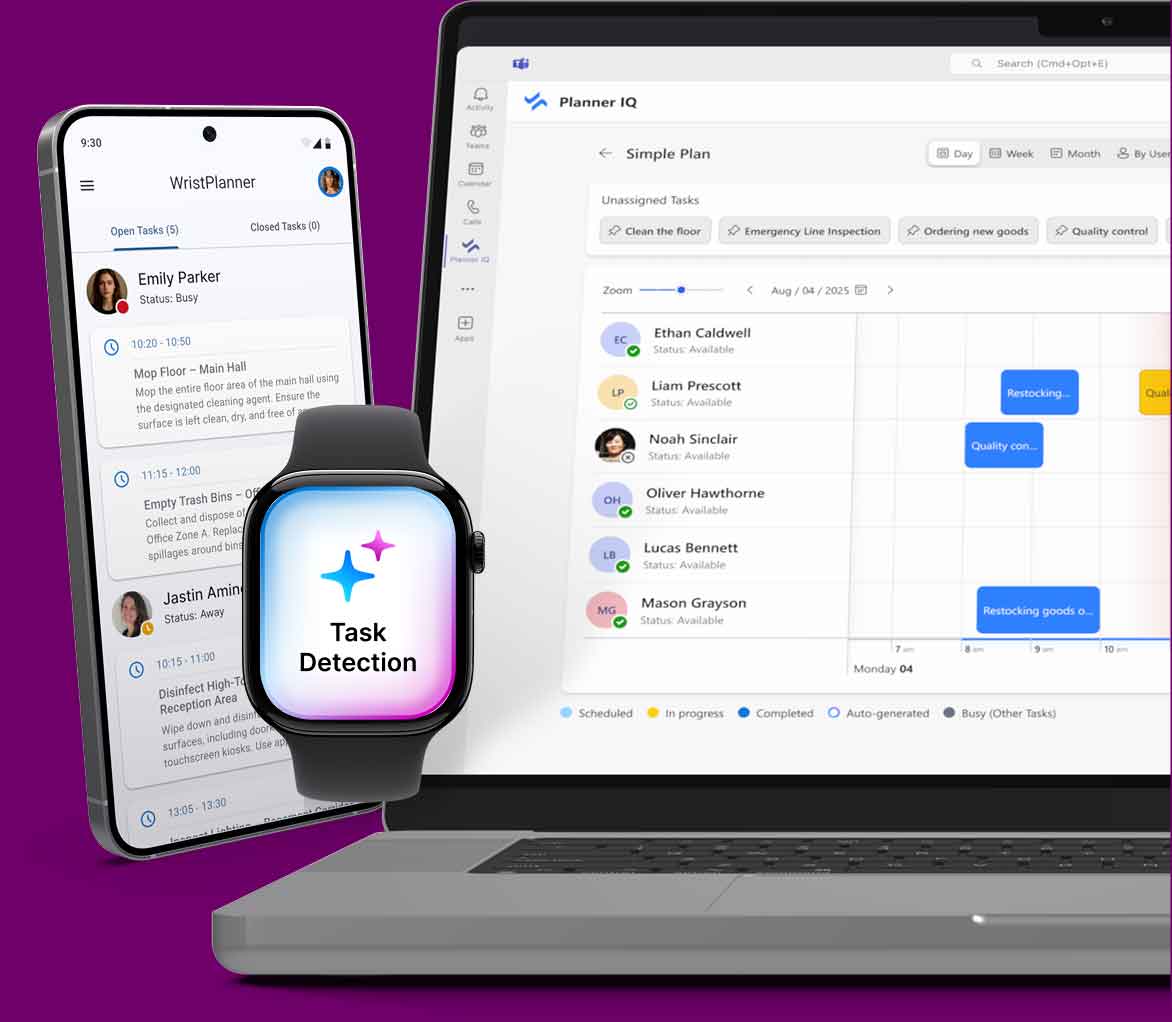
Eliminate manual task logging, reduce admin time by 70%, and get real-time visibility across your operations — without disrupting your teams.
Experience AI-powered task management built for real work — not desks.
Copyright © 2025 AiCarpus
All rights reserved.

